Troubleshooting
Composter Is Not Filling: Check the Input and Progress
Check whether the item is compostable and whether the composter has already reached its output stage.
Start Your Survival Farm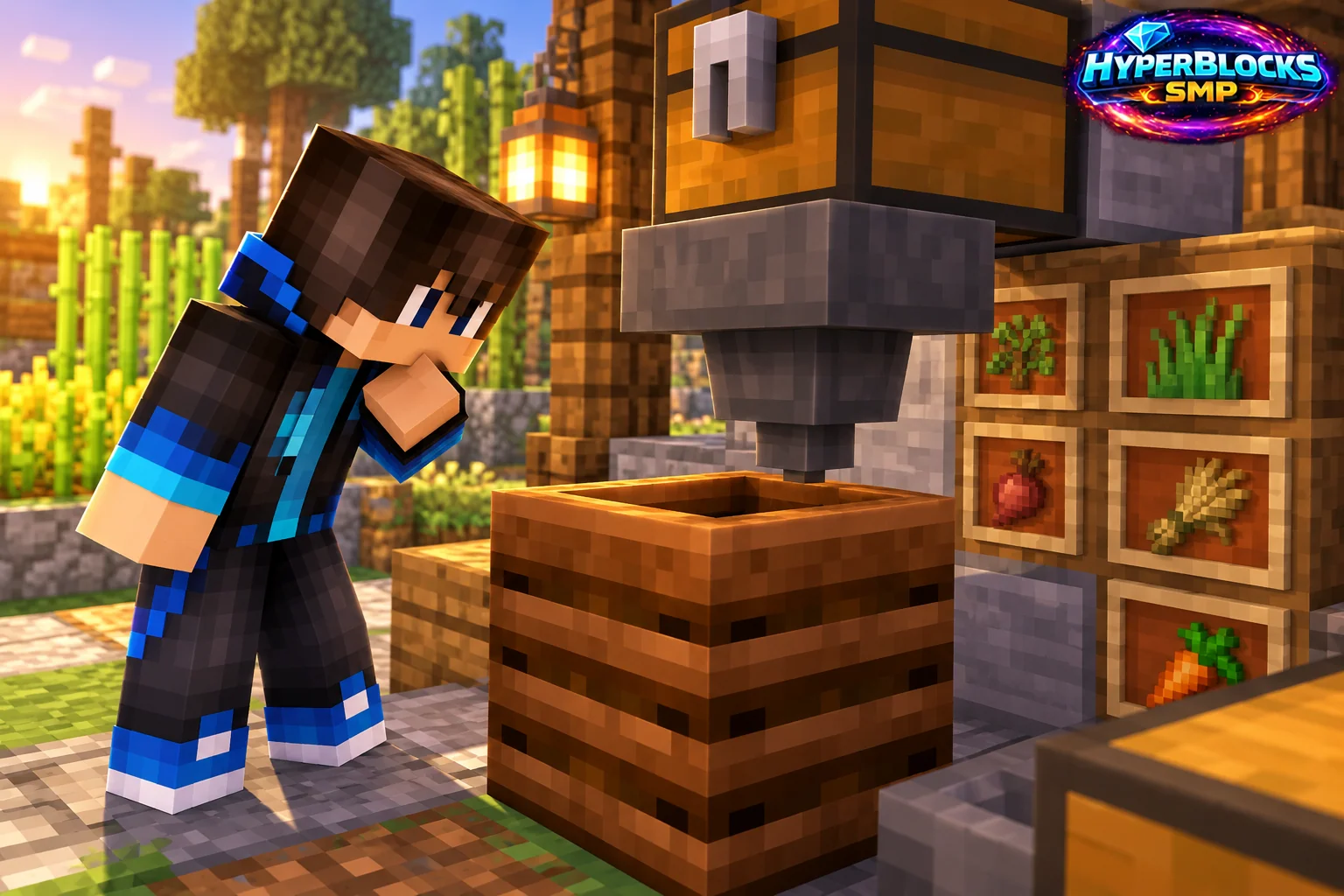
Use a Known Compostable Input
Not every item that looks natural can be composted. Start with an ordinary crop or seed accepted by the current game and try it manually. Keep valuable food and planting stock separate so troubleshooting does not consume supplies that were reserved for another purpose.
Watch Several Attempts
Composting can advance by chance rather than once per item. A single accepted input that does not visibly raise the contents is not enough to establish a failure. Observe a small sample and distinguish an item that is consumed from one that cannot be inserted at all.
Check Whether Output Is Ready
A full composter progresses to a bone-meal output state. Collect the output before expecting the same container to accept another full cycle. In an automated setup, inspect the output container and any extracting hopper rather than watching only the input chest.
Trace Automation One Connection at a Time
Confirm the hopper direction, power state and inventory capacity. Test the composter manually before connecting the input again. A locked or full hopper can stop the flow even when the composter itself works correctly, so preserve a visible manual access point for future maintenance.
Play This on HyperBlocks
HyperBlocks adds a player economy to your farm planning. Prices and demand can change, so check the current menus before choosing what to sell.
Reference and Further Reading
Build layouts are original suggestions. Check your edition, version and current server menus when applying game mechanics or server settings.
Your Next Adventure
Make Your Next Harvest Part of a Bigger Plan
Build a farm that supplies your next project. On HyperBlocks Survival, compare current shop prices and player auction listings before deciding what to keep or sell. Start with one crop and a storage chest inside your claim.