Claims and Building
Minecraft Animal Pen Layouts: Gates, Feed, and Working Space
Plan animal enclosures so feeding and collection do not require opening an escape route every time.
Start Building on HyperBlocks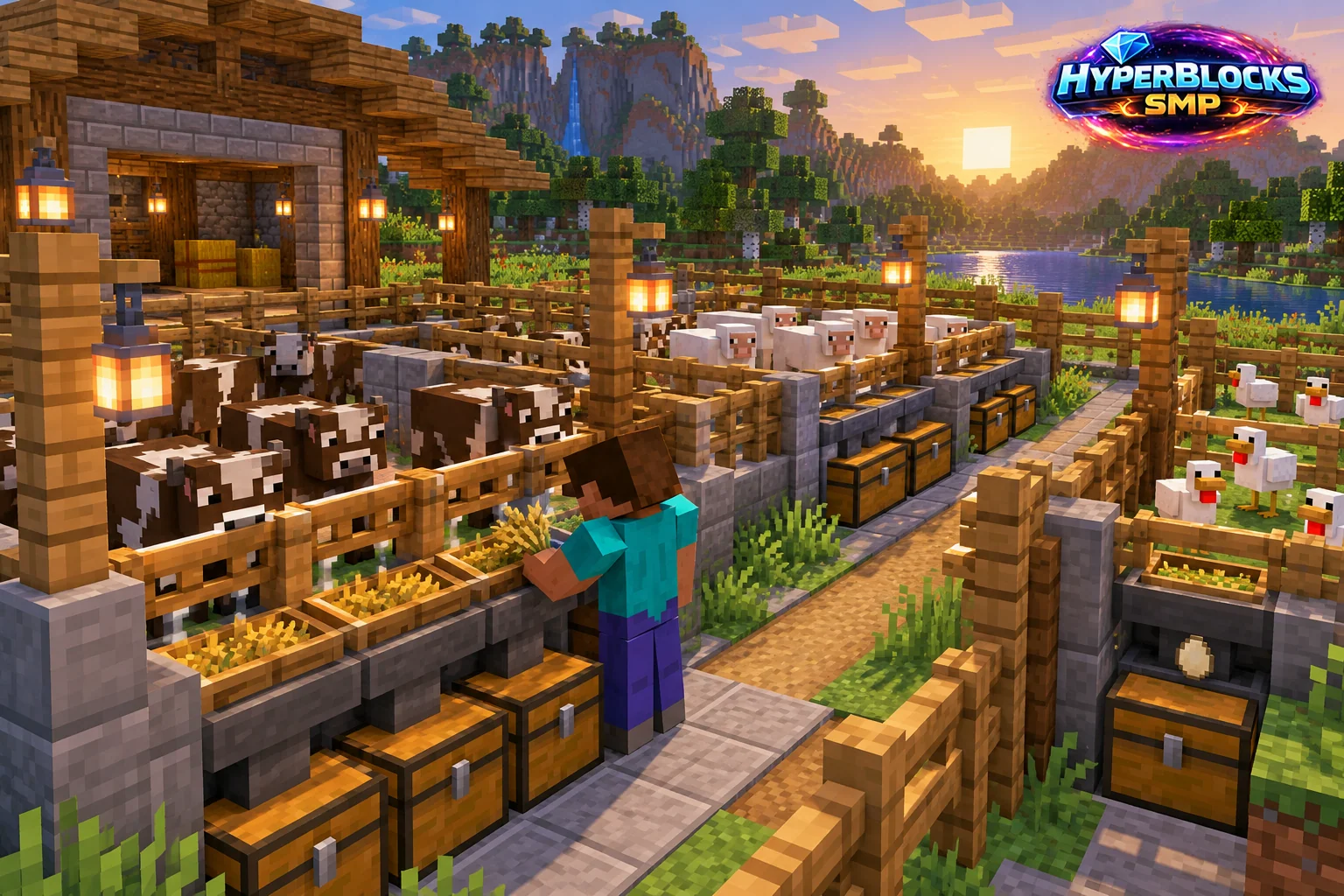
What to Know
Decide which animals and outputs the pen supports before choosing its size. Separate species or resource roles when doing so makes care easier. Mark the entry, feeding position and storage location on the ground. The useful area includes the player’s route, not only the space occupied by animals.
A Practical Approach
Use a gate arrangement you can operate without being pushed into the opening. Leave enough room to turn and identify the animal you intend to interact with. Store feed and tools nearby, with outputs in another container. Inspect the enclosure after each early use so you can catch an awkward corner before the population grows.
Make It Work for Your Base
On HyperBlocks, check current animal limits and claim access before expanding. Helpers should know which breeding stock to preserve and which containers are shared. Connect the pen to the barn or workshop with a clear path. A smaller enclosure with predictable access is easier to maintain than a large crowded area that turns every ordinary task into a chase.
Separate Entry from Feeding
Try a small two-gate entrance area so you can close the outer gate before opening the pen. Put feed storage outside the animal space and keep a visible walking lane inside. Test the arrangement with a modest population before expanding. Mark the breeding reserve and resource purpose of each pen so shared use does not depend on everyone remembering the original builder’s plan.
Related planning: Minecraft Cow Pens: Plan Leather, Food, and Working Space; Minecraft Cactus Farming: Space, Collection, and Safe Paths.
Put This Into Practice on HyperBlocks
On HyperBlocks Survival, land claims let you set permissions around your build. Plan the boundary before placing shared storage, then give friends only the access they need.
Reference and Further Reading
Use the current HyperBlocks menus and linked reference for server-specific requirements.
Your Next Adventure
Give Your Next Build a Place to Grow
Turn your building plan into a Survival home, then choose who can build, open containers and visit. Start with a small claim around your first workshop and expand when you need more room.