Troubleshooting
Furnace Is Not Smelting: Input, Fuel and Output Checks
Inspect the recipe input, fuel and output slot before changing the furnace or adding more hoppers.
Build Your Survival Workshop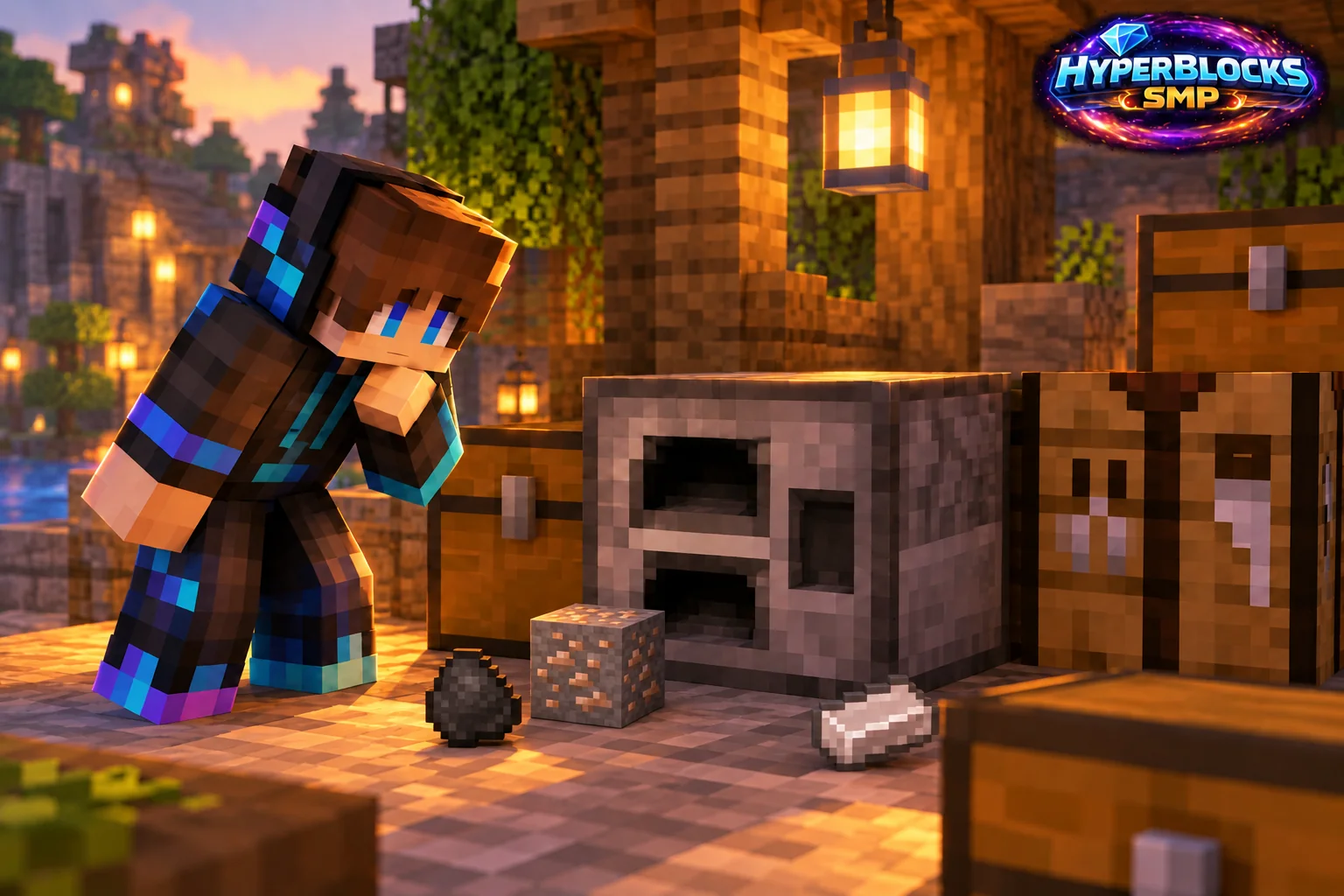
Check the Three Slots
A furnace needs an eligible input, usable fuel and room for the result. Inspect all three directly. An output slot containing a different item or a full stack can prevent progress even when the input and fuel look correct. Move the existing output to ordinary storage first.
Verify the Recipe
Not every block or item can be smelted. Check the current recipe for the exact input rather than assuming that a similar-looking item has the same result. Test one ordinary known recipe manually so an automated storage problem does not obscure a recipe mismatch.
Inspect Fuel and Progress
Confirm that the item is accepted as fuel and observe whether the burn indicator and progress change. A flame still burning after the final input is processed is not evidence of another missing item. Plan batches around the actual recipe and fuel rather than leaving expensive supplies in a speculative test.
Trace Hopper Inputs Separately
Automated furnaces use different input positions for recipe items and fuel. Inspect which hopper points where, whether redstone locks it and whether the output destination has room. Restore one connection at a time after the manual test succeeds.
Play This on HyperBlocks
Place your workshop and shared storage inside a HyperBlocks land claim. Container access and building access are separate choices, so set permissions to match how friends will use the space.
Reference and Further Reading
Build layouts are original suggestions. Check your edition, version and current server menus when applying game mechanics or server settings.
Your Next Adventure
Put Your Next Craft to Work
Make a workshop that earns its space. Join HyperBlocks Survival, claim a small base and build the next useful part of your setup, whether that is storage, lighting or equipment for a trip with friends.