Troubleshooting
A Friend Cannot Build in Your Claim: Check the Trust Level
On HyperBlocks Survival, inspect the claim and Build trust for the intended player.
Start Building on HyperBlocks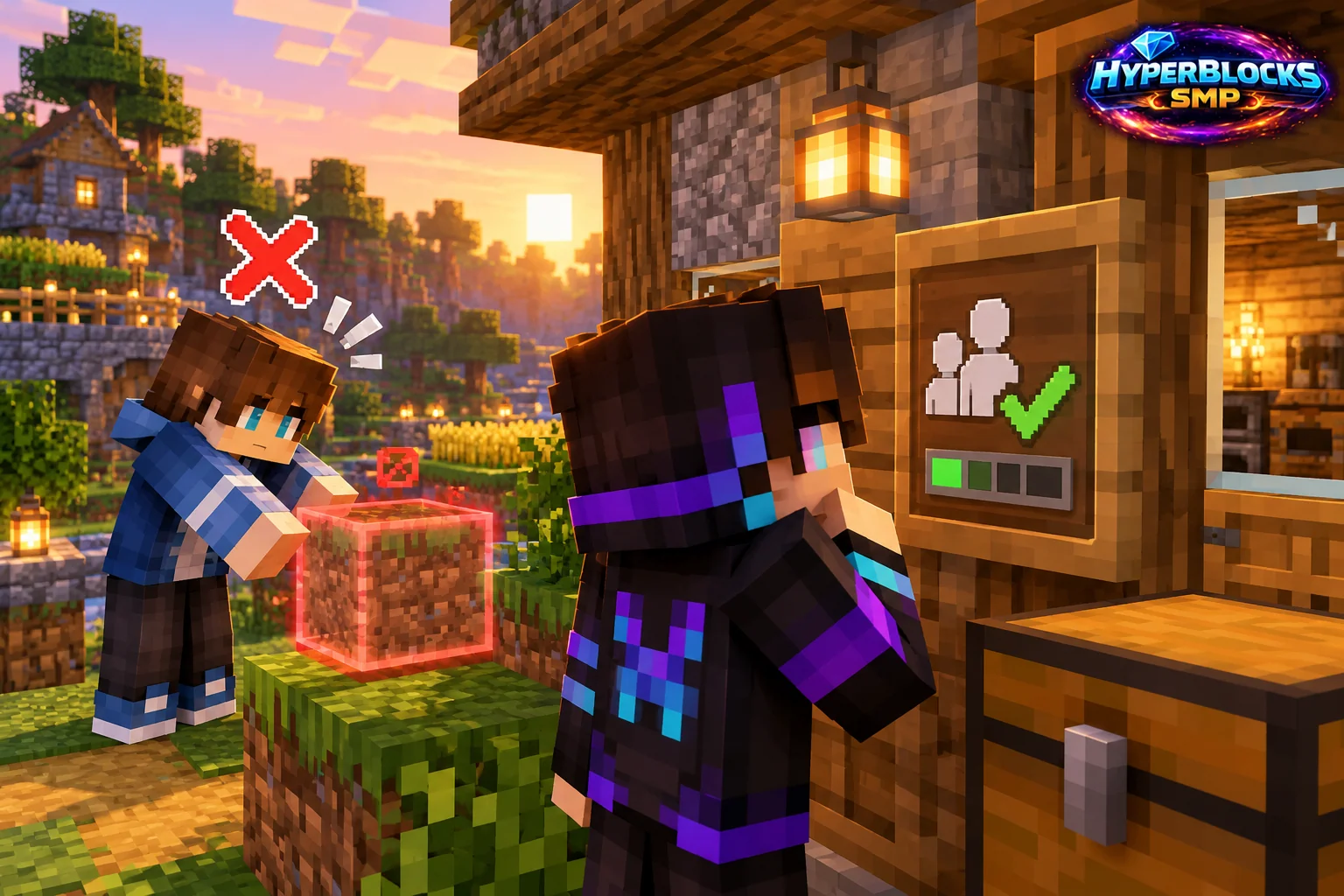
Inspect the Exact Location
Use the claim inspection tools to confirm which claim or subclaim contains the block. A friend may be standing outside the trusted area or inside a subdivision with different permissions. Check the boundary rather than assuming every part of a large base shares one setting.
Choose the Correct Trust Level
Build trust is different from basic access or container permissions. Open the claim’s Trust and Permissions controls and inspect the intended player’s entry. Grant only the level needed for the project instead of turning every permission on for everyone.
Check the Player Identity
Use the correct in-game player identity, especially when Java and Bedrock naming differs. Confirm the change on the actual claim and have the friend try one ordinary authorized block. A saved name that looks similar is not enough to establish that the right player received access.
Play This on HyperBlocks
On HyperBlocks Survival, land claims let you set permissions around your build. Plan the boundary before placing shared storage, then give friends only the access they need.
Reference and Further Reading
Build layouts are original suggestions. Check your edition, version and current server menus when applying game mechanics or server settings.
Your Next Adventure
Give Your Next Build a Place to Grow
Turn your building plan into a Survival home, then choose who can build, open containers and visit. Start with a small claim around your first workshop and expand when you need more room.