Troubleshooting
Blast Furnace Will Not Process an Item: Check Recipe Type
Use a blast furnace for its supported processing recipes and a normal furnace for other smelting jobs.
Build Your Survival Workshop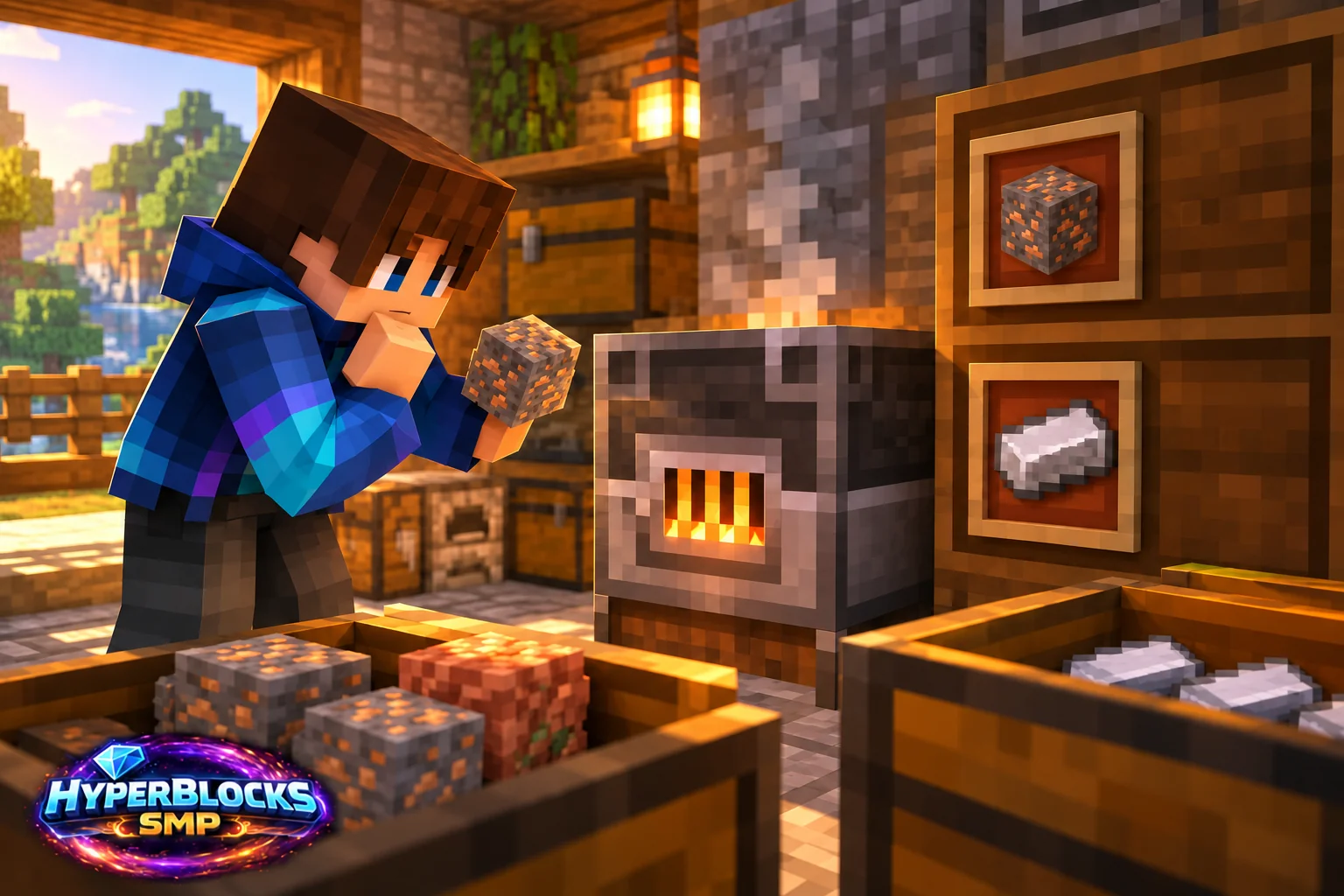
Confirm the Workstation
A blast furnace is a specialized station, not a faster replacement for every furnace recipe. Check whether the input belongs to its supported ore or metal-equipment processing routes. Food, glass-making and other ordinary furnace jobs should not be assumed to work in it.
Test the Exact Input
Inspect the item name and try a single eligible item with fuel and an empty output slot. A raw resource, a block made from that resource and a custom server item can have different recipes. Do not fill an input chest until one manual cycle produces the intended result.
Inspect Fuel and Capacity
If the recipe is supported, check fuel and output space. A completed output that has not been removed can block further work. In an automated corner, follow the item’s path into the station instead of assuming the nearest hopper is feeding the expected slot.
Label the Processing Area
Keep separate input storage for the ordinary furnace, smoker and blast furnace. A short label naming the station’s role prevents repeated mistakes. On HyperBlocks, use the current recipe and item description for custom materials rather than treating their appearance as proof of a vanilla recipe.
Play This on HyperBlocks
Place your workshop and shared storage inside a HyperBlocks land claim. Container access and building access are separate choices, so set permissions to match how friends will use the space.
Reference and Further Reading
Build layouts are original suggestions. Check your edition, version and current server menus when applying game mechanics or server settings.
Your Next Adventure
Put Your Next Craft to Work
Make a workshop that earns its space. Join HyperBlocks Survival, claim a small base and build the next useful part of your setup, whether that is storage, lighting or equipment for a trip with friends.