HyperBlocks Playbooks
Make a HyperBlocks Project Shopping List Before Buying
Convert a build plan into a clear list of missing materials before visiting shops or player listings.
Start Your Next Build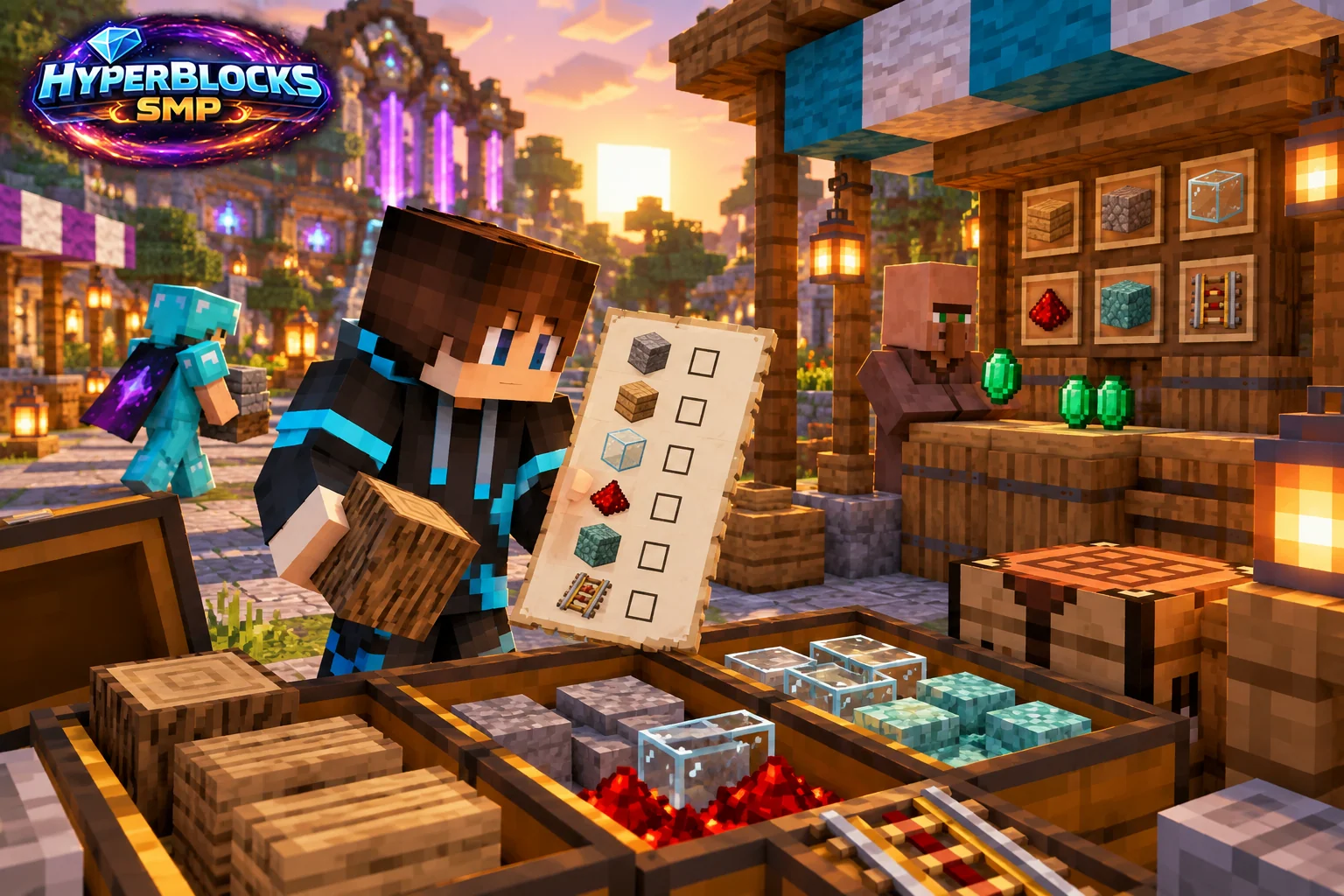
Measure the Current Phase
List the floor, walls, roof and functional equipment separately. Count the blocks in the accepted layout rather than a concept image. If a detail repeats, count one complete segment and multiply it, then add corners and end pieces separately.
Subtract Existing Supplies
Inspect the actual project storage and reserve materials already allocated to another build. Keep raw ingredients distinct from crafted variants, since a chest of logs is not the same as a chest of finished stairs. Record the missing quantity after checking usable stock.
Compare the Full Purchase
Check current shop and player-listing options for the exact items. Compare totals for the required quantity and inspect stack sizes and currencies. Include a deliberate small reserve if useful, but do not buy an arbitrary large surplus before the palette or dimensions are settled.
Update the List After Buying
Move the purchased materials into labeled project storage and mark the remaining needs. Avoid buying the same phase twice because two collaborators used separate outdated lists. On HyperBlocks, track the currency and budget for each purchase.
Play This on HyperBlocks
HyperBlocks Survival has shops, auctions and its own currencies. Check current listings and prices before treating a material as an income source, and keep enough for your own next project.
Reference and Further Reading
Build layouts are original suggestions. Check your edition, version and current server menus when applying game mechanics or server settings.
Your Next Adventure
Turn Your Next Supply Run Into a Finished Build
Give the materials in your inventory a destination. Start a HyperBlocks Survival base, make a short supply list and gather for one project at a time. Compare the current economy options when you have surplus to trade.