Troubleshooting
Minecraft Crossbow Will Not Reload: Check Its State
Distinguish an already loaded crossbow from an unloaded one, then check ammunition and the use action.
Start Your Survival Adventure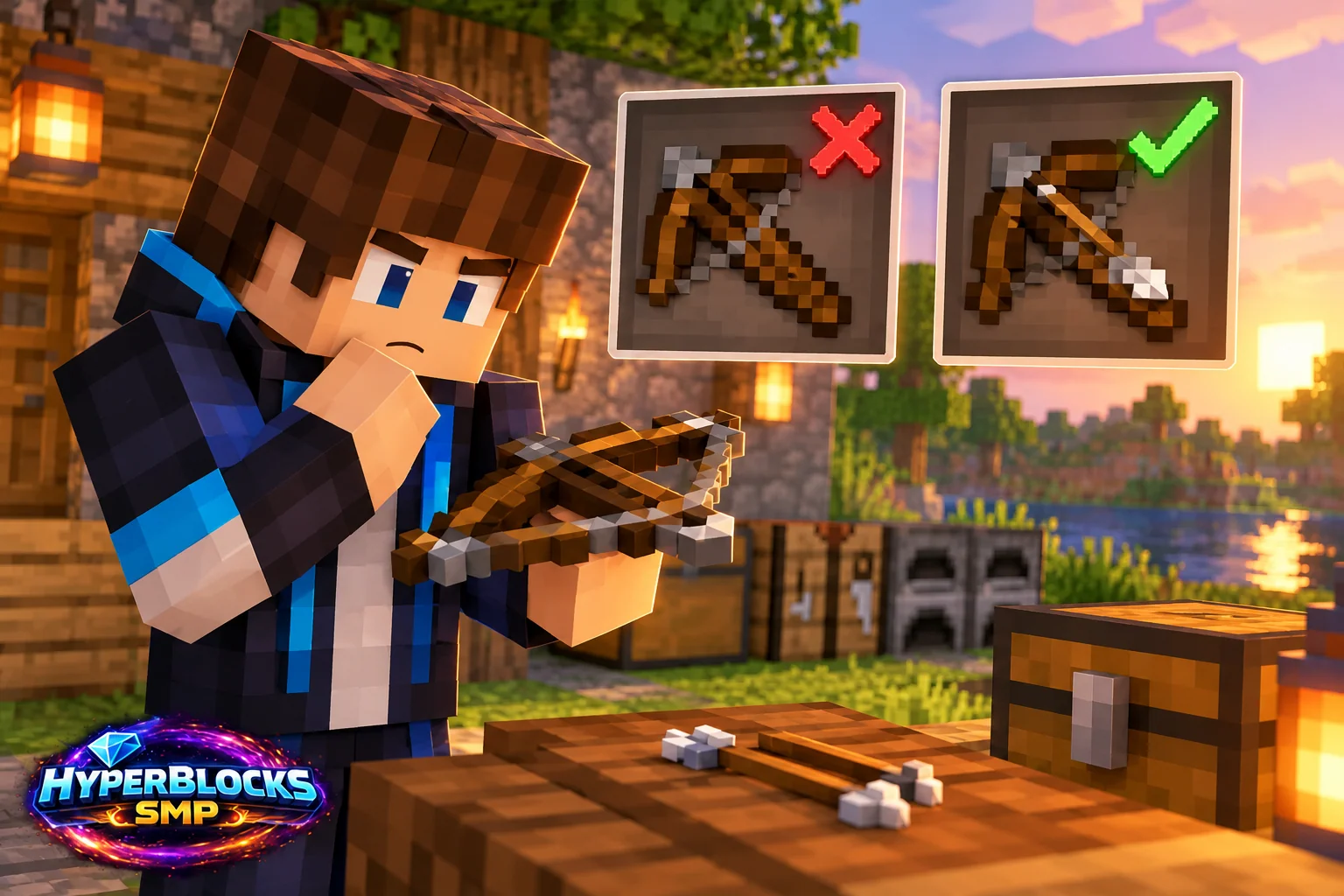
Inspect the Loaded State
A crossbow stores its charge after loading. If it is already loaded, the next use is a shot rather than another reload. Look at the held item and its state before repeating inputs, especially when switching between several crossbows on the hotbar.
Check the Ammunition Choice
Keep ordinary arrows available for a simple first test. Special ammunition can introduce different behavior and risk. Verify that ammunition is actually in the inventory used by the character, not in a nearby chest or a website storage view.
Complete the Charging Action
Hold the use control until the loading action finishes. Releasing too early can make repeated attempts look like a malfunction. Quick Charge changes charging behavior, but it does not remove the need for an eligible item, ammunition and a completed input.
Test Without Nearby Interactions
Stand in a permitted open area and aim safely away from players. A chest, door or server protection can interfere with the action you are trying to observe. If the crossbow is a custom server item, check its requirements and any message before replacing or modifying it.
Play This on HyperBlocks
HyperBlocks elite encounters have their own equipment progression. Ordinary material and vanilla enchantments do not tell the whole story, so check Elite attributes and the current adventure requirements.
Reference and Further Reading
Build layouts are original suggestions. Check your edition, version and current server menus when applying game mechanics or server settings.
Your Next Adventure
Give Your Next Upgrade a Real Adventure
Build a loadout with a purpose, then explore HyperBlocks Survival. When you are ready for elite encounters, visit the Adventurer’s Guild and check its entry requirements and Elite Gear progression before choosing a run.