HyperBlocks Playbooks
Use HyperBlocks Chat Channels for a Shared Building Project
Use a clear group channel to coordinate supplies and construction without flooding unrelated conversation.
Join Your Next Shared Adventure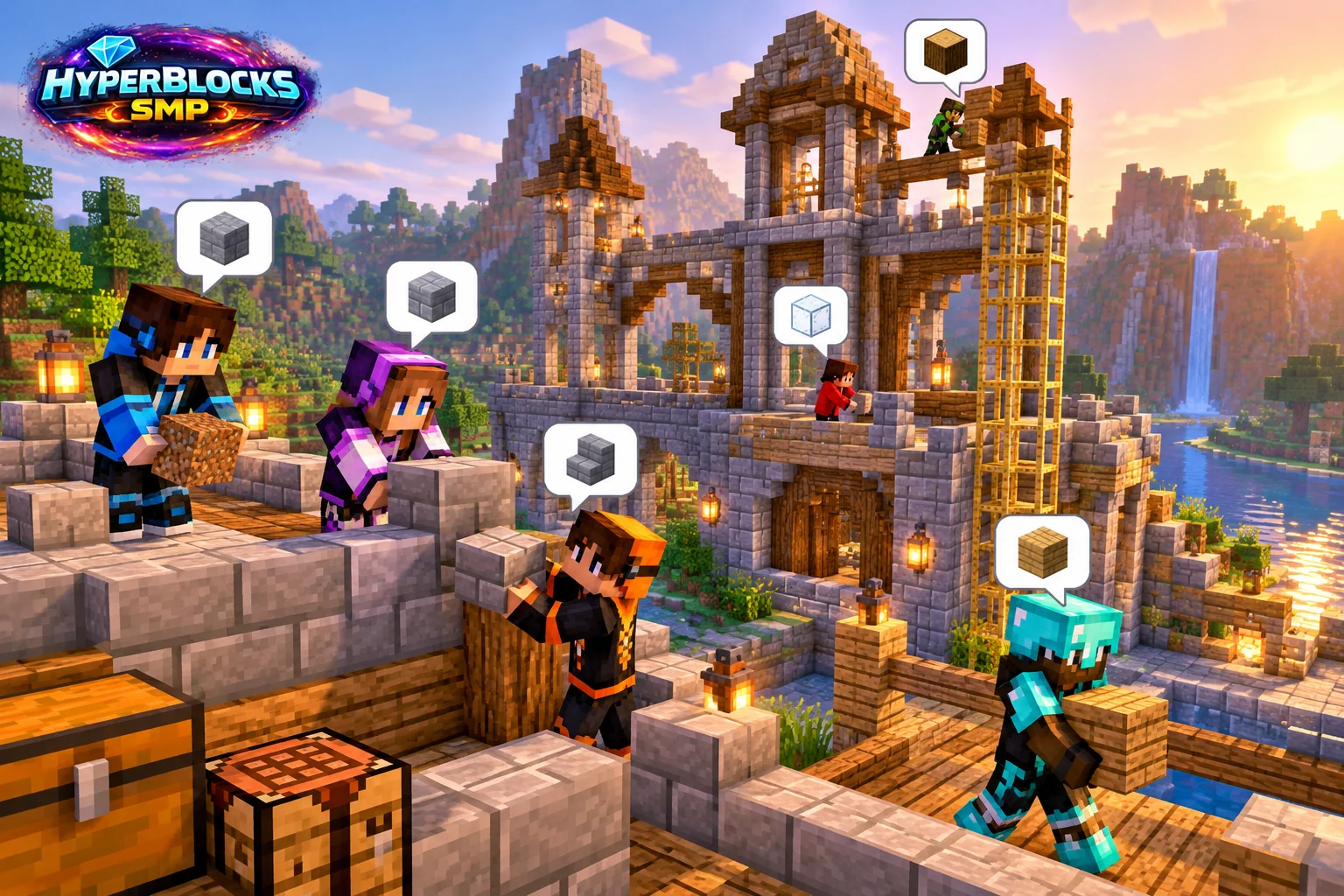
Choose the Intended Audience
Decide whether the discussion is for a small project group or the wider community. Use the current HyperBlocks chat or channel controls for that purpose. Keep private coordinates, account information and personal details out of public channels unless sharing them is appropriate and agreed.
Make the Project Messages Specific
State the current phase, missing materials and the location of shared supplies. Short concrete updates are easier to act on than repeated general requests for help. Agree which player is editing a shared area before several people change the same blocks.
Separate Chat From Permissions
Being in the same channel does not grant claim or island rights. Set building and container access through the appropriate server controls. If voice is useful, check its current client and realm requirements separately rather than assuming every player has it configured.
Close the Loop When the Phase Ends
Tell the group what is finished and where surplus materials went. Update the next task instead of leaving an old request active. Keep the channel readable by removing the need for repeated status questions through a clear shared plan.
Play This on HyperBlocks
HyperBlocks chat channels help groups coordinate in game. Optional proximity voice has separate setup requirements and is available for Java Survival, not Bedrock.
Reference and Further Reading
Build layouts are original suggestions. Check your edition, version and current server menus when applying game mechanics or server settings.
Your Next Adventure
Make the Next Adventure a Shared One
Give your group a project to rally around. Join HyperBlocks Survival, find a place for your base and use the chat tools to coordinate supplies, building and your next trip.